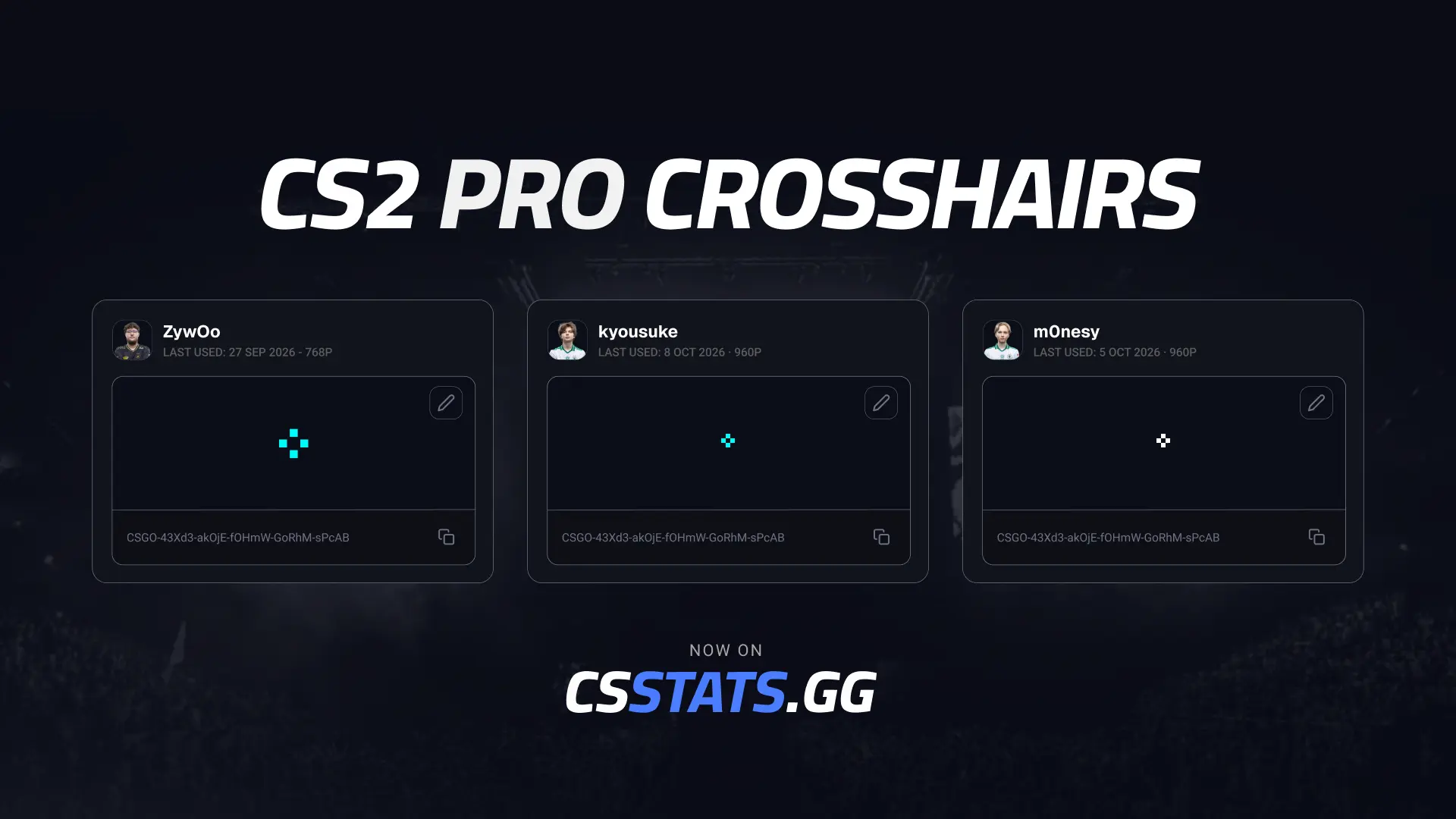

A crosshair is one of the most personal settings in CS2. You can now see the codes 20 top pros played with in their most recent match, and try them in your own games.
Our sister site CSstats has launched a CS2 pro crosshairs page. For each player, it shows the crosshair code from their most recent match, and the date of that match. Each crosshair can be previewed at 1080p, so you can see how it looks before you copy it.
Pros adjust their crosshair: some often, some rarely. CSstats updates each code after a player's latest match and shows the date in the match room, so you can see how recent it is.
The page launches with 20 pros, including:
If the player you want isn't among the 20, you can still look them up. Find their Steam profile link on Liquipedia, then search for it on CSstats. Their crosshair will show as long as there is a match on record for them.
A pro's crosshair is a starting point. What suits donk at his resolution may not suit your setup, so try a few while warming up before committing to grinding Elo with it. If you don’t want to use a pro’s you can always use the CS2 Crosshair Generator.
